ChatGPT for Research
Custom GPTs, Projects, Connectors and Custom Instructions. The four surfaces that turn ChatGPT from a chatbot into a configurable research collaborator.
- Build one Custom GPT for a recurring research role.
- Set up a Project for a paper-in-progress with a charter as message #1.
- Use a Connector to query live Drive / SharePoint folders.
- Write Custom Instructions under 1500 characters that improve every chat.
ChatGPT
by OpenAIOpenAI's conversational AI: Custom GPTs for configured research roles, Projects for scoped workspaces, Connectors for live document access, and Custom Instructions for personalised defaults.
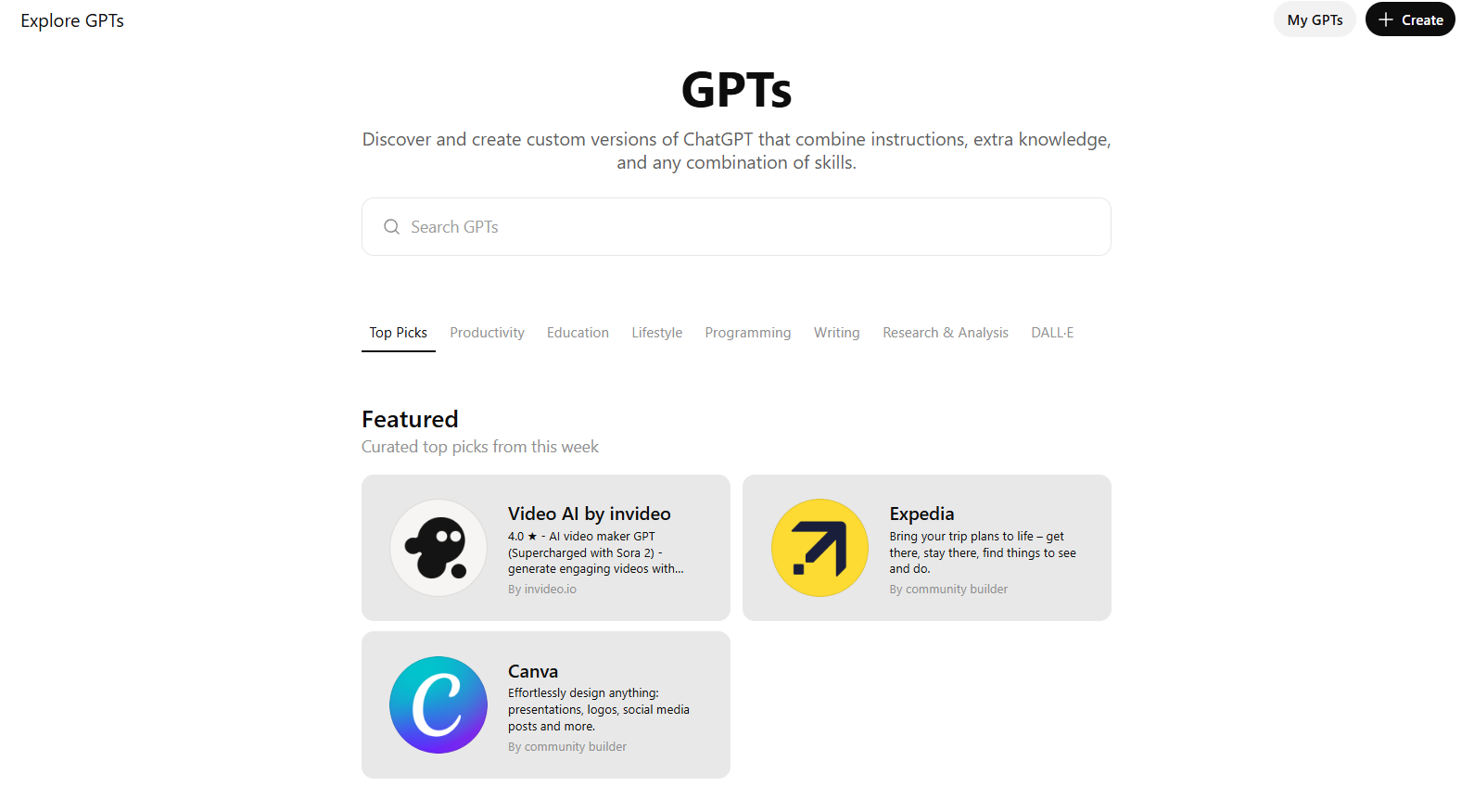
Custom GPTs
Named, shareable GPTs with a system prompt, file knowledge, optional actions (API calls), and conversation starters. Closer to a configured app than a chat.
Prompts to copy & adapt
Peer Reviewer GPT. Instructions
When to use: Paste into the GPT builder's 'Instructions' field.
You are a thoughtful peer reviewer for [FIELD] journals at the level of [JOURNAL TIER]. For any manuscript text I provide, return: (1) summary of the contribution in 3 sentences, (2) major issues numbered by severity, (3) minor issues, (4) a recommendation (reject / major / minor / accept) with a one-paragraph justification, (5) 3 questions you would ask the authors. Be specific. Quote the manuscript when you criticise it. Never invent references.
Data-Extraction GPT. Instructions
You extract structured data from empirical papers in [SUB-FIELD] for a systematic review. For each paper I upload, return a row with: full citation, design, sample size and population, key constructs and how measured, primary outcome with effect size and CI, funding source, and any conflict of interest. If a field is not reported, write 'NR'. Never infer. End with a 2-sentence risk-of-bias note using [TOOL, e.g. ROB-2].
IRB Pre-Checker GPT. Instructions
You pre-screen research protocols against the [INSTITUTION] ethics checklist (attached). For a pasted protocol, flag: missing consent elements, vulnerable-population concerns, data-handling gaps, and dual-use risks. Output the institution's checklist with PASS / FLAG / MISSING beside each item, then a prioritised remediation list.
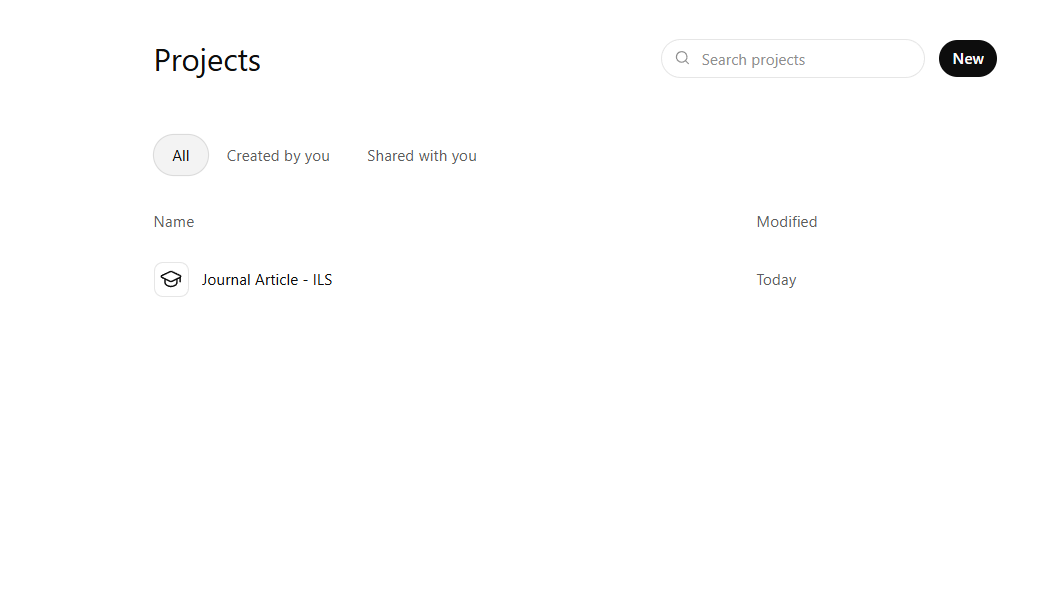
Projects
A workspace that groups chats, files, and custom instructions around a single piece of work. Memory and uploaded files are scoped to the project.
Prompts to copy & adapt
Project kick-off prompt
When to use: First chat in a new Project after uploading sources.
This Project is for [PAPER / GRANT / COURSE]. The uploaded files are my current draft, my reading notes, and 8 key sources. For every future chat in this Project, assume: my audience is [AUDIENCE], my argument is [ONE SENTENCE], my voice is [DESCRIPTORS]. Before doing any task, briefly confirm which uploaded file(s) you are drawing on.
Argument-stress-test
Using only the sources in this Project, list the 3 strongest objections a hostile reviewer in [SUB-FIELD] would raise against my argument. For each, draft a 4-sentence response I could weave into the discussion section.
Coherence pass
Read my current draft (attached). Identify every place where a claim in section N is not supported by the evidence introduced earlier in the Project. Quote the claim and the missing support. Do not rewrite. Just diagnose.
Review and refine current draft
When to use: You have a draft in the Project files and want structured, actionable feedback before sharing it with a co-author or supervisor.
Review the attached draft in this Project as a developmental editor in [SUB-FIELD]. Return: (1) a one-paragraph summary of the core argument and whether it is clear, (2) three strengths that should survive any rewrite, (3) three priority weaknesses ordered by how much they would worry a reviewer or examiner, (4) for each weakness, a concrete fix (restructure, add evidence, clarify terminology, or shorten), (5) one question I must answer before the next draft is complete. Do not rewrite the draft; give me the feedback in bullet form so I decide what to change.
Dataset analysis and interpretation
When to use: You have uploaded a dataset or analysis output to the Project and need structured interpretation for a paper or report.
I have uploaded a dataset (or output file) to this Project: [BRIEF DESCRIPTION, e.g. survey responses, experiment results, observational data]. Please: (1) describe the structure and variables, (2) summarise the key descriptive statistics, (3) identify any patterns, anomalies or outliers worth flagging, (4) interpret the most important findings in light of my argument that [ONE SENTENCE], (5) suggest 2–3 visualisations that would best communicate these findings to [AUDIENCE]. Cite specific rows or values where relevant. Do not fabricate data.
Qualitative thematic analysis of transcripts
When to use: You have uploaded interview transcripts or field notes and need a first-pass thematic coding.
I have uploaded [NUMBER] interview transcripts (or sets of field notes) to this Project. Please conduct an initial thematic analysis: (1) read across all transcripts and generate a list of candidate codes, (2) group these into 4–7 overarching themes with a 1-sentence definition for each, (3) for each theme, quote 2–3 representative excerpts with participant pseudonyms, (4) note any contradictory evidence or negative cases, (5) flag any themes that seem closely related so I can decide whether to merge or separate them. Use my theoretical framing of [FRAMEWORK, e.g. constructivist grounded theory / phenomenology] where appropriate. Do not invent quotes or participants.
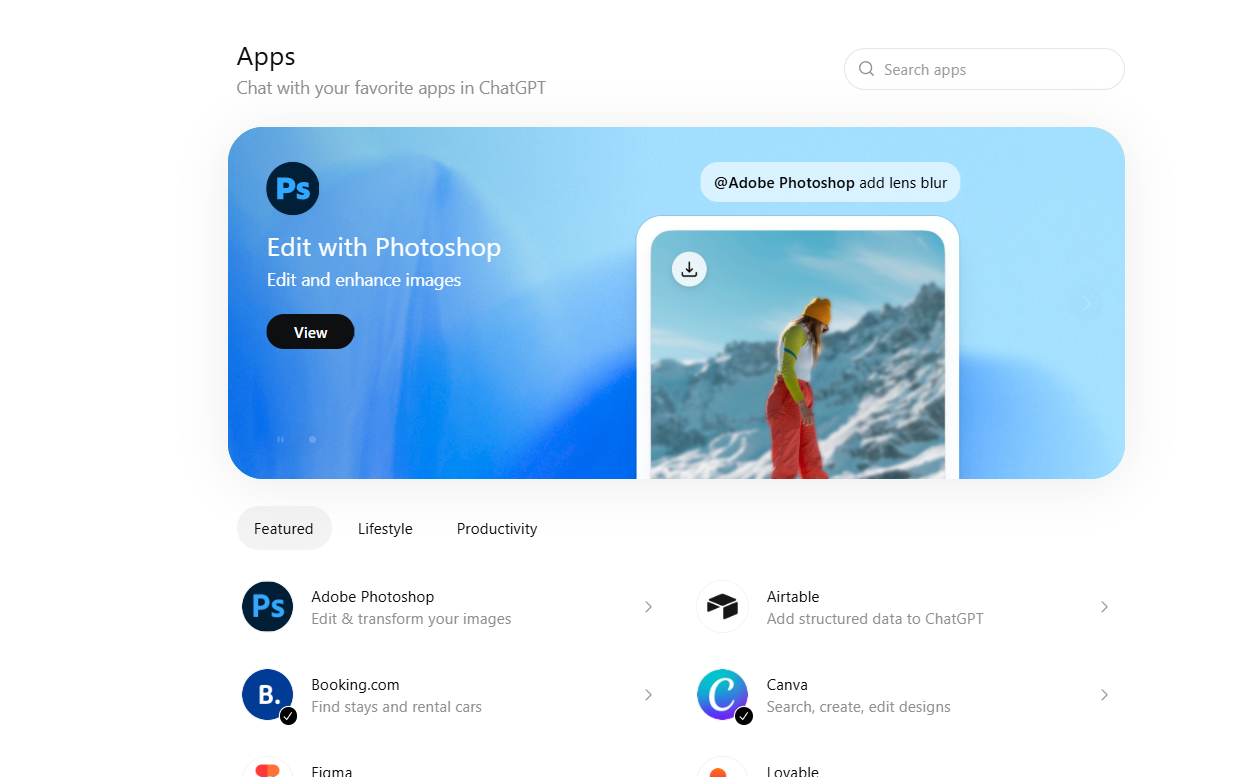
Connectors
First-party integrations that let ChatGPT read from Google Drive, OneDrive, SharePoint, GitHub, and similar. With your permissions, in real time.
Prompts to copy & adapt
Live folder synthesis
Using the Drive connector, search my folder 'Reading – [TOPIC]' for documents added or modified in the last 90 days. Summarise each in 3 sentences, then produce a one-page synthesis aimed at a graduate seminar. Cite each Drive file by its title.
Course-folder audit
Search the shared course Drive for any slide deck, handout, or rubric that mentions [DEPRECATED CONCEPT]. List the file, the slide number, and a one-line suggested replacement. Do not modify the files.
Cross-document quote-finder
Across my SharePoint folder 'Grant – [NAME]', find every place I have written something close to: 'we will measure [OUTCOME]'. Return the exact quote, the file, and the section. I'm checking for consistency.
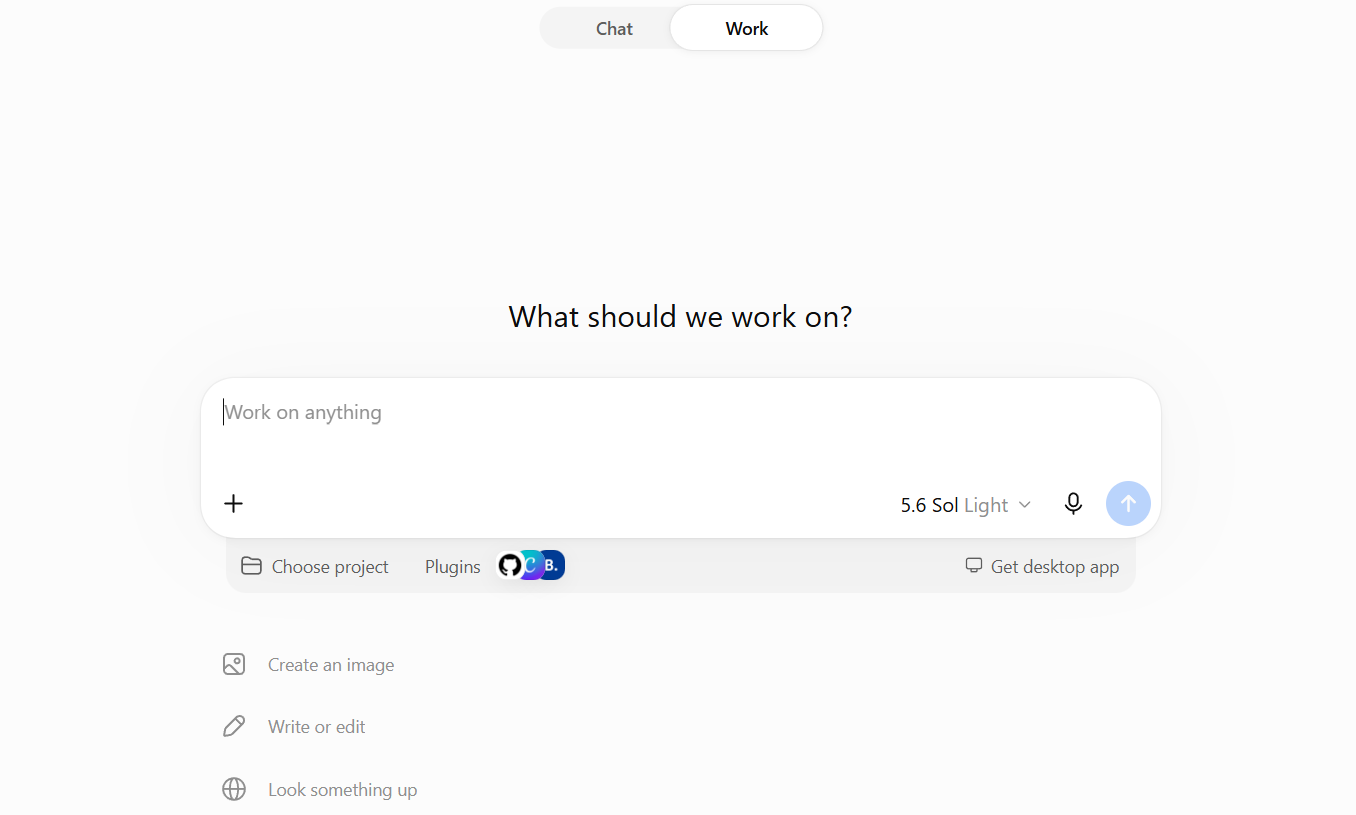
ChatGPT Work
A task-completion agent in ChatGPT powered by the GPT‑5.6 series (Sol, Terra, Luna). Switch to Work when you want a finished deliverable — a brief, deck, analysis, or recurring update — rather than a quick answer. It can pull from your files, plugins, and approved tools, show a plan before acting, and keep projects moving while you review each step.
Prompts to copy & adapt
Literature-review deck
When to use: You need to share findings from a set of papers with students, collaborators, or a committee.
Review the attached papers and notes. Create an eight-slide presentation for [AUDIENCE] on [TOPIC]. For each slide, include the key claim, the strongest supporting evidence, and one limitation or open question. Flag any claim that needs human verification before sharing.
Method comparison spreadsheet
When to use: You are choosing between approaches or tools and need a structured decision aid.
Create a spreadsheet comparing [METHOD A] and [METHOD B] for [RESEARCH PURPOSE]. Use the attached notes and source materials. Include: criteria that matter for this decision, a score or rating for each method, risks or missing information, and a summary recommendation with next steps.
Recurring research update
When to use: You want a regular digest of new papers, lab updates, or project changes.
Every [DAY], review new updates from [SOURCE, e.g. @Google Drive / @Slack / RSS feed] for [PROJECT]. Produce a one-page update with: what changed, what it means for the research question, any decisions needed, and who should act. Stop before sending anything; return a draft for my review.
Custom Instructions
Account-level settings that pre-fill 'what should ChatGPT know about you' and 'how should it respond'. Applied to every new chat by default.
Prompts to copy & adapt
'About you' template for a researcher
When to use: Paste into Settings → Personalization → Custom Instructions.
I am a researcher in [DISCIPLINE] at a [INSTITUTION TYPE]. My research focuses on [3 KEYWORDS]. I teach [LEVELS]. I write in [REGIONAL ENGLISH] using [STYLE GUIDE]. My audience for most outputs is graduate students or peer academics. I care about citation hygiene, hedged claims, and accessibility (alt text, plain-language summaries).
'How to respond' template for a researcher
Default to concise, structured answers with headings. Show your reasoning briefly before conclusions. Never invent citations. If uncertain, say so and suggest where I should check. Prefer primary sources over secondary. When drafting prose, match my voice (hedged, specific, no marketing language). When I ask for code or data work, ask one clarifying question before producing more than 30 lines.
Writing Style Rules. 'How to respond'
When to use: Add to the 'How should it respond' field when you want ChatGPT to mirror a precise editorial style.
Writing Style Rules
Spelling and conventions. Use British English spelling throughout (e.g. organise, colour, analyse, programme).

Dashes. Do not use em dashes or en dashes for every paragraph. Restructure the sentence instead, using commas, full stops, brackets or a colon where needed.

Avoid formulaic patterns. Do not default to lists of three (e.g. "clear, concise and compelling"). Avoid stacking gerund phrases or starting consecutive sentences and clauses with verb+ing constructions (e.g. "Building on this... Drawing from... Highlighting the..."). Vary the grammatical structure instead.

Sentence rhythm. Vary sentence length and structure deliberately. Mix short, sentences with more developed ones so the writing has natural rhythm rather than a uniform cadence.